Zapier Address Validation Documentation
Zap Creation
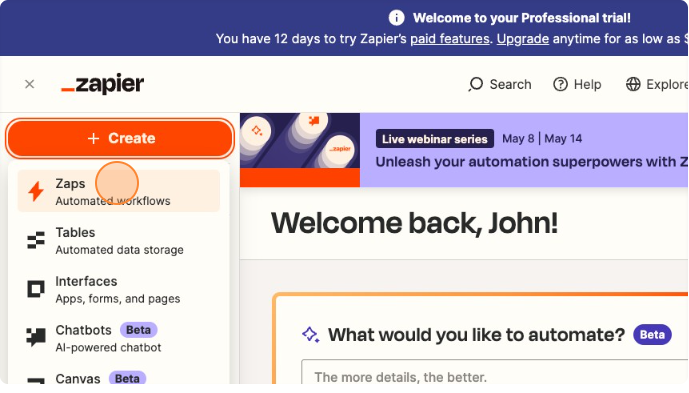
To create a new automated workflow, click Create -> Zaps on the left-hand sidebar.
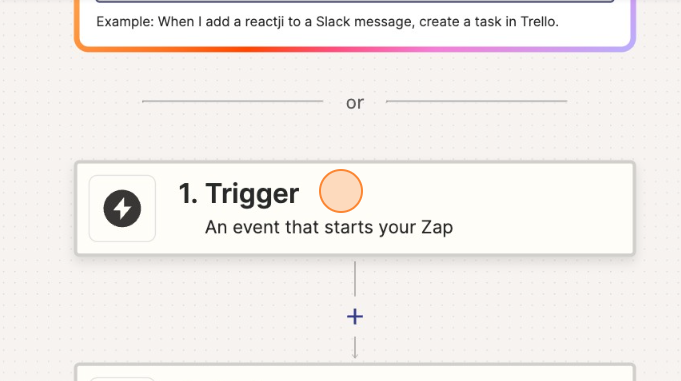
Trigger
App & Event
Scroll past the prompt asking wht you would like to automate and click Trigger.
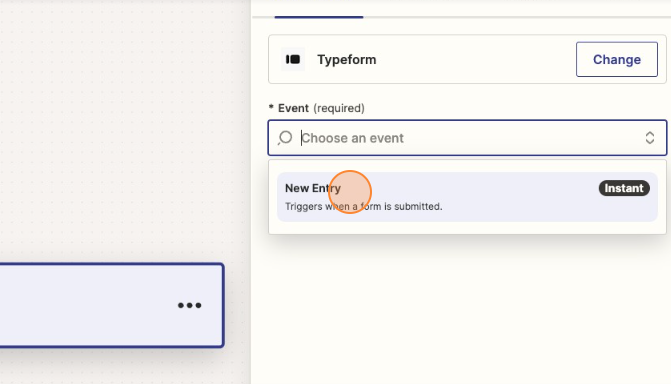
From the list of available platforms, locate and click the one you are using.
On the right-hand sidebar, go to the App & Event tab. Click the Event field and choose an event that will trigger the workflow.
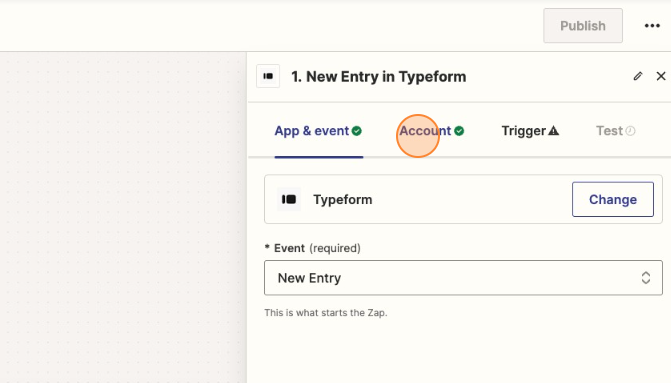
Account
Go to the Account tab and connect your chosen platform's account by signing in.
This will take you to your platform's login page.
Trigger
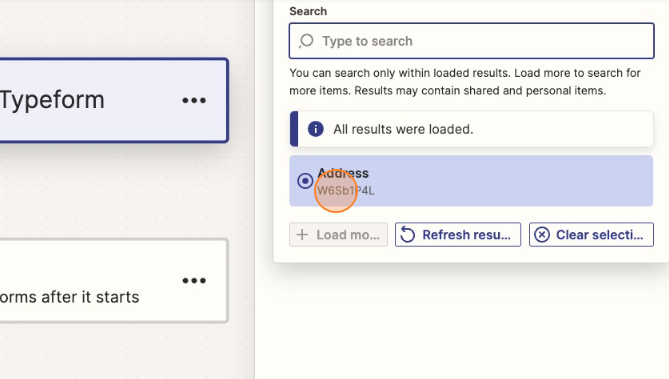
Continue to the Trigger tab. Choose the form you wish to automate.
Test
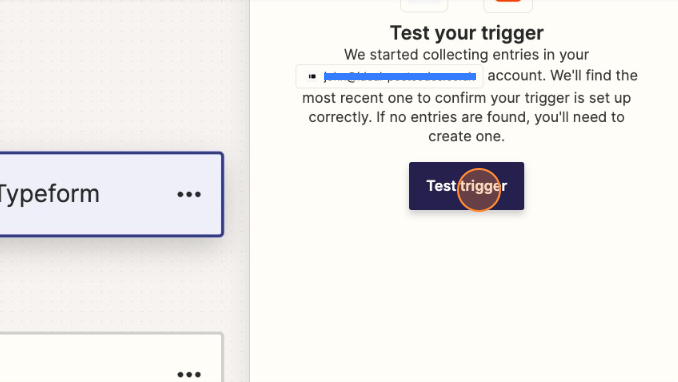
Head over to Test tab to test your trigger. If the test is successful, it will display the data.
Action
Click on Action, this is the next step of the workflow. It will prompt you to choose an action, search for the Ideal Postcodes.

App & Event
Create a new Event, Ideal Postcodes offer the following services:
- UK Address Cleanse
- UK Address Verify
- Phone Number Validation
- Email Verification
Account
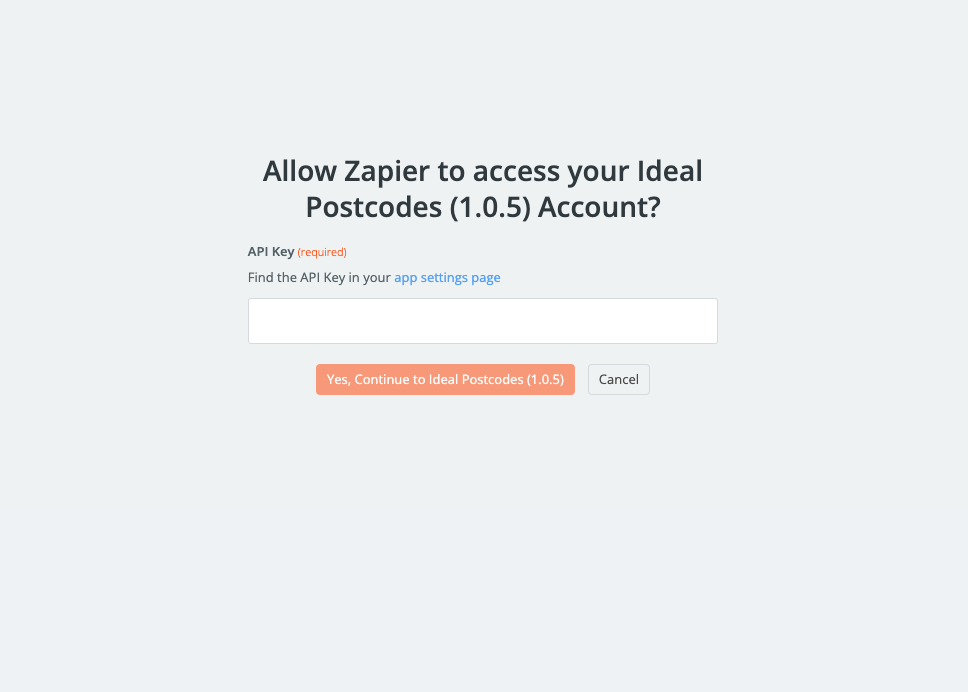
Link your Ideal Postcodes account by adding your apikey. This can be found on your Account Dashboard.
Action
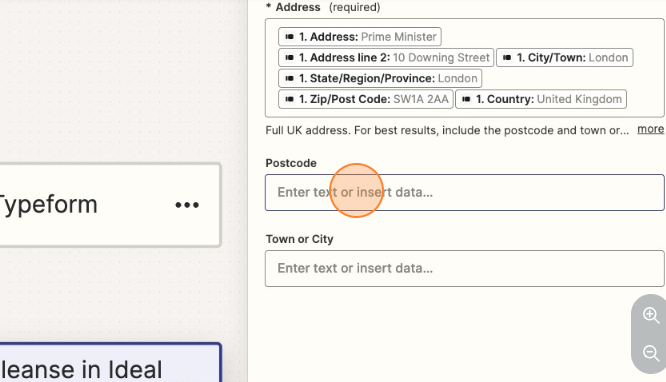
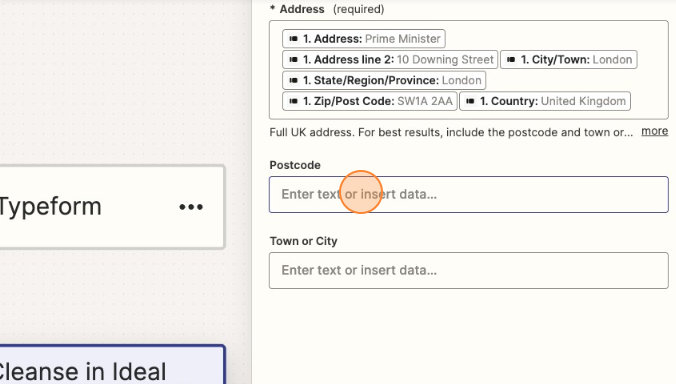
Add the address elements that your form uses here. A basic address form to capture a correct UK address requires the following fields:
Address line one Address line two Address line three Post town Postcode
Storing Data
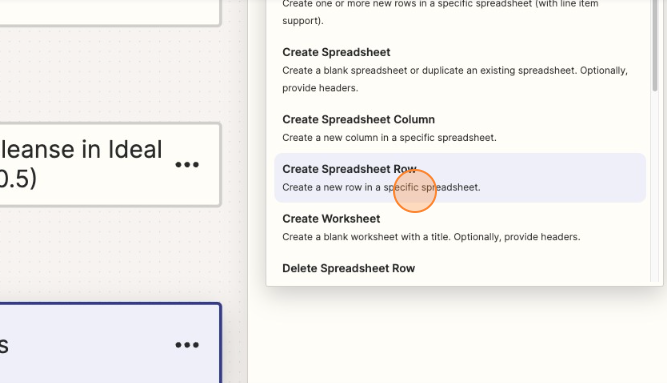
Create a new step and choose from the available platforms a place to store your data. Google Sheets will be used as an example.
App & Event
Choose an event, this will determine how data is stored.
Account
Link your Account
Action
Direct it to the correct destination
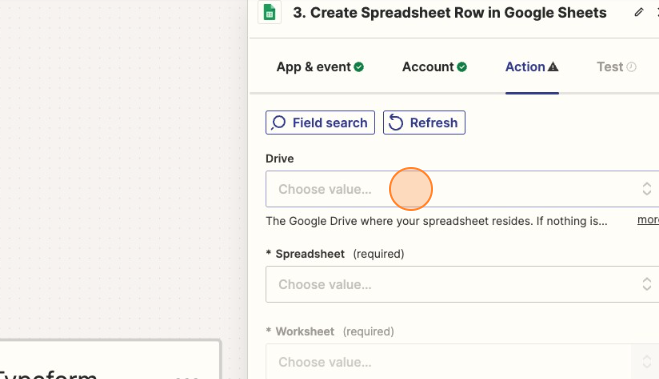
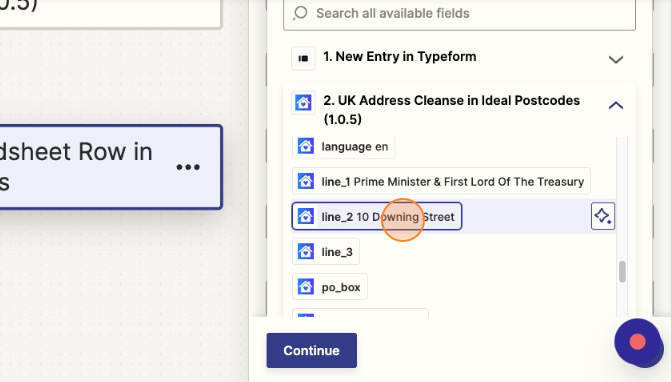
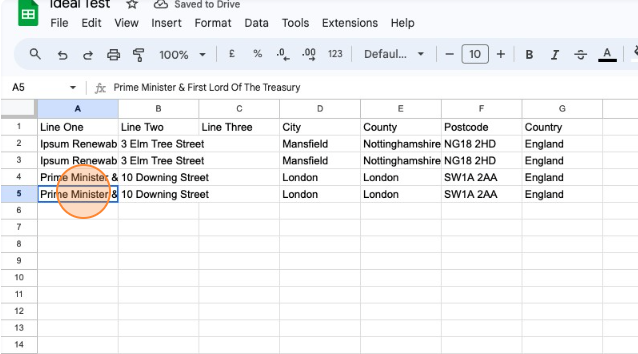
This will then populate all the columns present in that Spreadsheet. Match each column with the correct address elements present from the Ideal Postcode results
Test
If all is successful, your spreadsheet will be populated.
Still need help? Contact our support team via live chat on our website or email support@ideal-postcodes.co.uk.